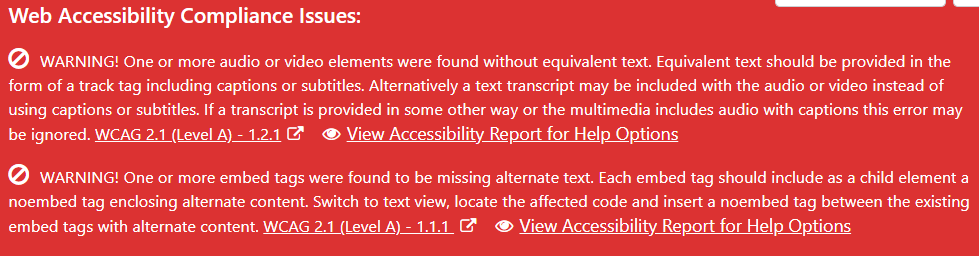
Depending on your settings the plugin will check content for issues when they are published or updated and you will be prompted with a list of issues that were found.
- Click on the “View Accessibility Report for Help Options” to see a full report of issues found and to view the effected code.
- Refer to the help section, view code and reference material to gain a better understanding.
- Some issues may not require correction, if that is the case, choose “Ignore” and “This Error”.
- To correct an issue, close the report window which will return you to the editor screen where you can make the necessary changes.

