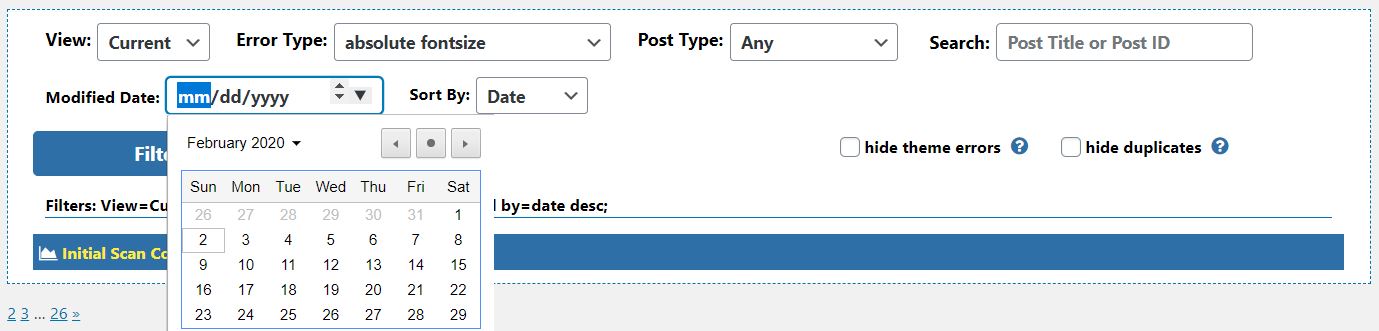
To view only errors in content that has changed after a certain date, choose a modified date and click “Filter”. Content that does not have a modified date or for which a modified date can not be determined will also be displayed. In order to locate only the desired content type use the “Post Type” filter to further narrow the results or check the box next to “hide theme errors” to display all post or page content.